
Montreal taxi questions
Frequently asked questions about MonTaxi in Montreal
Order online with your pickup point and destination, or call MonTaxi at 514-322-1322.
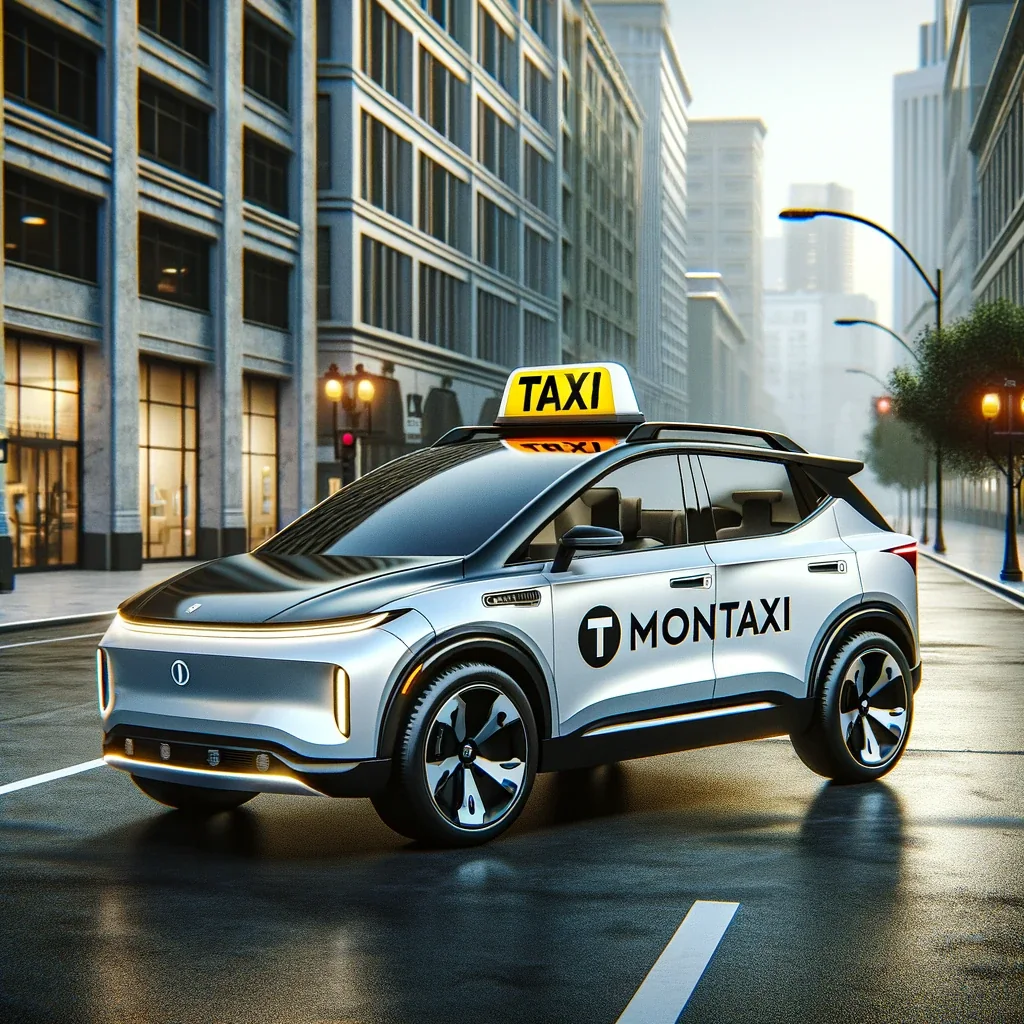
Short answers that lead to action
The FAQ distinguishes online ordering, a phone call and a planned special request. It also separates an estimate, an official fare and a fixed price so the answer points to the correct next step.
Before starting an order
Have the exact pickup point, destination and passenger phone ready. For YUL, a long distance, a hotel return or a larger vehicle, also prepare the schedule, luggage and any stops that affect the trip.
DIRECT ANSWERS
Questions and answers
How do I order a taxi?
Order online with your pickup point and destination, or call MonTaxi at 514-322-1322.
OrderCan I know the price in advance?
Yes. Online ordering may show a fixed price in some cases. For a long-distance ride or special request, a driver may also confirm a fixed price before departure.
View faresWhy has my taxi not arrived yet?
In Quebec, winter, traffic and weather can affect the driver’s trip. Keep the tracking link open and use the phone number shown in your order if you need to clarify the meeting point.
Track the orderCan I make a request more than four hours in advance?
Yes. The special form accepts planned trips to YUL, long-distance rides, hotel returns or a particular need that meets the displayed criteria.
Special requestCan the driver call me about the request?
Yes. For a special request, the driver may contact you by phone to review the details and confirm the price.
Make a requestCan I request a minivan?
Yes. Request a minivan by phone or through online ordering and specify the passengers and luggage. A higher fare may apply.
View minivansDo you offer battery boosts and vehicle unlocking?
Yes. A battery boost starts at $35 for a car and unlocking starts at $45. Starting prices for trucks and pickup trucks are shown on the Assistance page.
View assistanceCan I add the order page to my home screen?
Yes. Open the page in your browser, then choose Add to Home Screen. You will have a shortcut that opens like an app.
View the steps